How to Choose a Paleo App for the Task You Need

Before choosing a paleo app, name the job that is slowing you down. Planning next week's meals, keeping a food record, and checking a packaged-food label require different information. Start with that job, then test whether a tool gives you the output you need.

This guide compares those three tasks, not named apps or subscription plans. The scenarios are hypothetical, and the checklist is a way to evaluate a candidate yourself, not a report of hands-on app testing.

Write down your own preferences before you start. Mayo Clinic's paleo overview notes that recommendations vary among paleo diets. A category name alone cannot tell software how you handle your exceptions.

Try it yourself

Does this conflict with Paleo?

Try a sample ingredient list:

0/4000 characters

Choose the Tool Category Before Comparing Features

Use this table to decide what to investigate. The questions are things to check during a trial, not features every tool necessarily provides.

Your immediate jobCategory to investigateEvidence to checkWhat that alone cannot establish
Plan dinners and groceriesRecipe or meal-planning toolCan you inspect ingredients, adapt a plan, and get the shopping output you need?Whether the package you buy matches the recipe's assumptions.
Record what you ateFood log or tracking toolCan you record amounts, identify the data source, correct an entry, and retrieve the record?That an entry matches today's package or supplies a suitable clinical plan.
Review a bar, sauce, or other packageIngredient-label checkerCan you inspect the declared ingredients, apply your preferences, and recognize unresolved terms?Overall diet quality, universal paleo compliance, or medical or allergy safety.

Choose the row that matches today's problem. If you need more than one row, evaluate each task separately. A large feature list is less useful than knowing whether your particular task works.

For ingredient questions rather than software selection, use the Paleo dietary label guide. It covers the ingredient-reference work this selection guide leaves out.

Three Situations That Lead to Different Choices

You Need a Dinner Plan

Suppose you want four dinners and a shopping list. Your input is a set of recipe ideas, the number of meals, and the ingredients you choose to avoid. Your needed output is a usable plan and shopping list.

Try changing one recipe ingredient and the number of portions. Can you see what changed in the shopping output? If you cannot inspect the underlying recipe or adjust a substitution, the planner may not fit your routine.

The unresolved step is the purchase itself. A recipe that says “sauce” does not identify the formulation on a particular bottle. Keep the actual package check separate from choosing the recipe.

You Need a Record of What You Ate

Suppose your goal is to remember what you ate during a busy week. Your input is the food and amount you actually consumed. The output you need is a record you can read and correct later.

Try one meal with an item you know well. Look for the entry's source, check the serving unit, and deliberately correct a mistake. If retrieving or exporting the record matters, inspect the actual output before relying on it.

A matching food name still leaves questions about flavor, portion, and formulation. Recording an entry does not prove the current label matches it. Keep the reason for using the record separate from any medical or nutritional interpretation.

You Need to Compare Two Packages

Suppose two hypothetical snack bars use different protein ingredients: one declares whey, while the other declares pea protein. Your input is each complete current ingredient panel and your own dairy and legume preferences. Your needed output is the declared ingredient evidence and the rule that matched.

Test whether you can inspect the exact term rather than only a colored score. Then ask what happens if you change a preference. The decision criterion is whether the explanation lets you understand the result, not whether either bar earns a universal approval.

An unclear flavor or incomplete panel can remain unresolved. Neither this example nor a scan establishes that a product is appropriate for an allergy. The Paleo ingredient-checking workflow explains the package-review task in more detail.
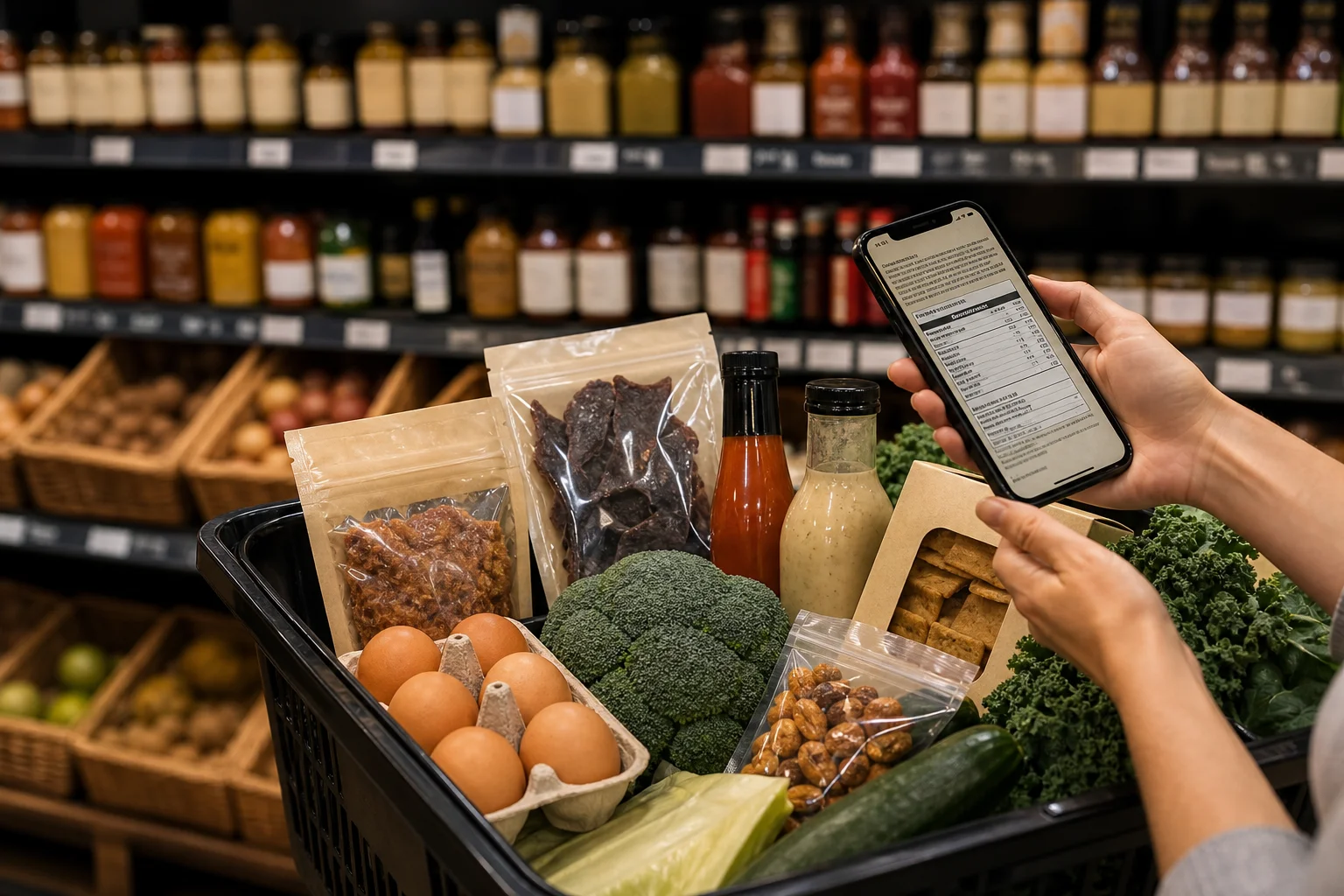
Test One Candidate With a Real Task

Use a short written trial so a polished demonstration does not become your only evidence.

  1. Name the result you need. Write “a four-dinner shopping list,” “a record I can correct,” or “the ingredient that matched my preference.” Avoid an open-ended goal such as “help me eat better.”
  2. Bring a representative input. Use a complete recipe, an ordinary meal record, or the current package you would actually check. A perfect sample supplied by the app may not reveal the information missing from your own task.
  3. Trace the output back to the input. Find the recipe ingredient, serving unit, database source, or declared label term behind a result. Mark anything you cannot trace as unknown.
  4. Try a correction or exception. Change a portion, fix an entry, or apply a different saved preference where the tool supports it. Record what happened instead of assuming the same correction works everywhere.
  5. Check uncertainty. Does the tool distinguish unavailable information from a confirmed result? An incomplete ingredient panel or unclear recipe substitution should prompt another question, not confidence you cannot justify.
  6. Verify the terms that matter to you. Check the current platform, region, paid plan, permissions, privacy policy, and record-export options. Inspect those details directly; this guide makes no availability, pricing, privacy, or export promise about any candidate.
  7. Keep a simple trial note. Record the task, what worked, what required manual work, and what you could not establish. Choose based on that result rather than the number of features advertised.

You can stop after a failed essential step. If you need a record you can retrieve and cannot obtain it in the required form, extra recipe features do not solve that particular problem.

Combine Tasks Without Assuming an Integration

You might plan meals in one place, keep a record elsewhere, and check a package while shopping. That is a set of separate workflows unless you have verified an integration.

Decide what you will carry between them: a recipe ingredient, an amount, a package photo, or a short note about an unresolved question. Do not assume preferences, accounts, ingredient data, or corrections automatically synchronize.

For the package-checking part, IngrediCheck focuses on reviewing declared ingredients against saved preferences through barcode or ingredient-label scanning. That role does not imply meal planning, food logging, or a complete nutrition assessment. Keep the tool's job as specific as the question you brought to it.

Choose for the task you need today, then test it with evidence you recognize. When that task is reviewing a packaged-food ingredient list against your saved preferences, IngrediCheck can help surface the matches and questions that deserve your attention.

Frequently Asked Questions

Is a paleo recipe app the same as an ingredient checker?

They serve different tasks. A recipe or meal-planning tool helps organize what you intend to cook, while an ingredient checker reviews the declared ingredients in a particular package. Check a candidate's actual features rather than assuming it performs both jobs.

What should I test before choosing a paleo app?

Try one representative task with your own recipe, food record, or complete package label. Check the input, the resulting output, how you can correct it, and what remains uncertain. Verify the current plan, platform, permissions, and export options if those matter to you.

Can one app decide whether every food fits my paleo rules?

A generic paleo label does not define your personal exceptions. Write down the preferences you want applied, inspect the ingredient evidence, and keep unresolved questions visible. A label match does not establish overall diet quality or medical or allergy safety.

Next Label Check

Follow the scanner, hub, and ingredient paths connected to this guide

Get the app for clearer label decisions.

Scan labels, see what fits your food notes, and read the why in plain English.

IngrediCheck app